

Start with your state
All 50 states and DC. The dropdown already shows the state you’re likely in; pick another and the form, the checks and the finished document change with it — the state’s own form where it has one, a record built to its rules where it doesn’t.
No account to start. You can fill out the whole record before you ever sign in.
Enter the job on whatever you have in your hand
The same record on a phone in the field, a tablet in the truck, or a laptop back at the shop. Company details, applicators, products and equipment are saved the first time and loaded with one tap after that.
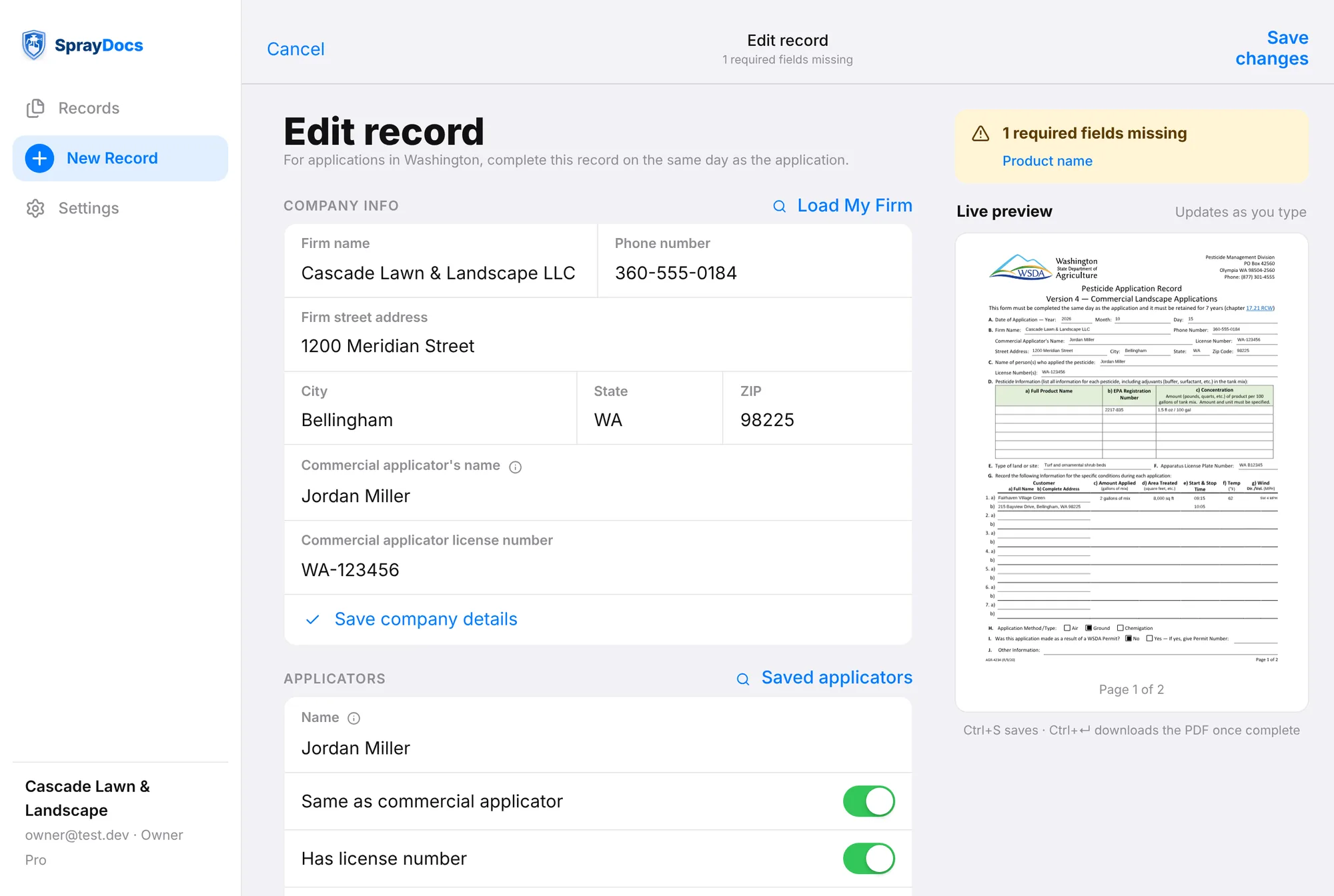
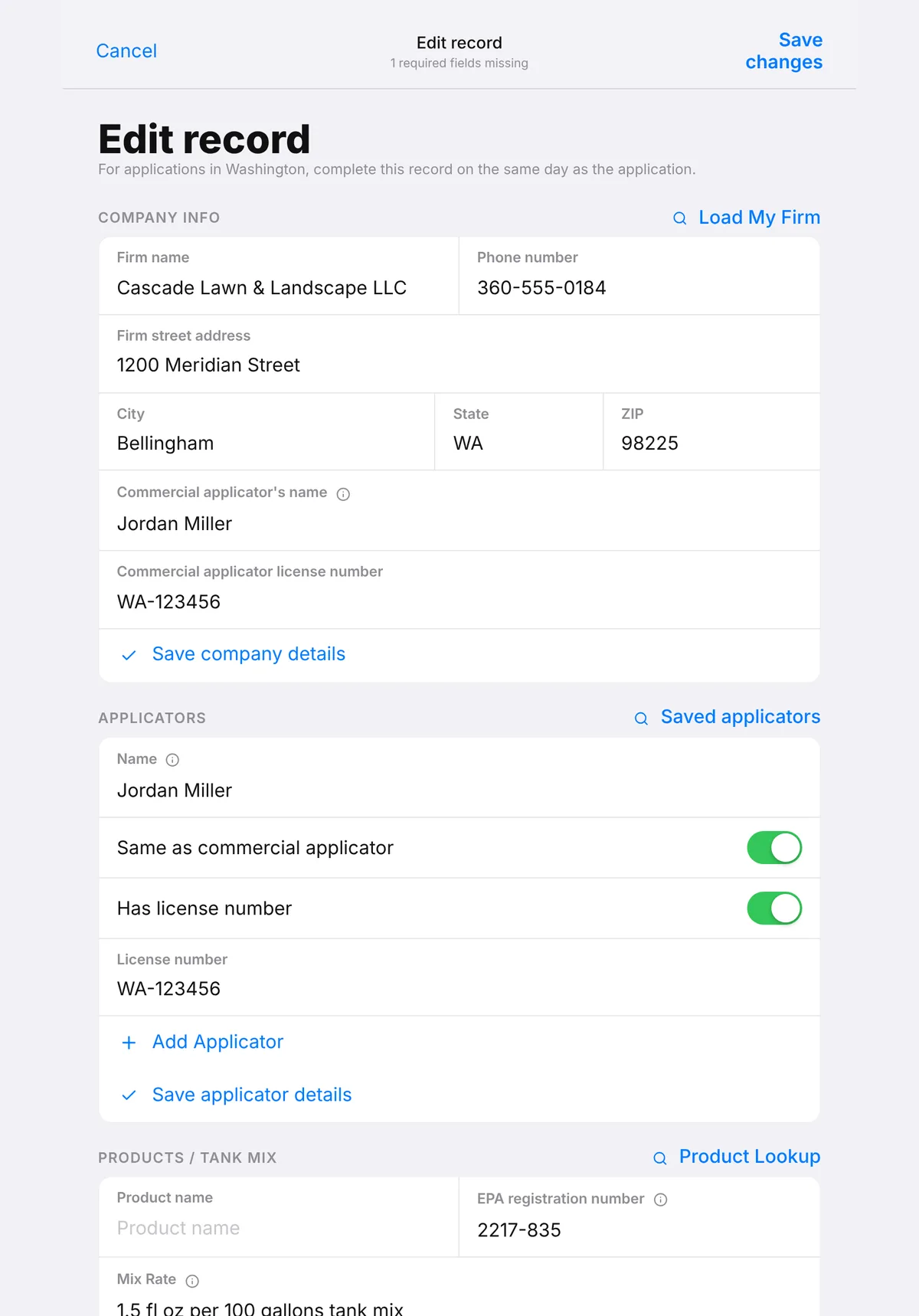
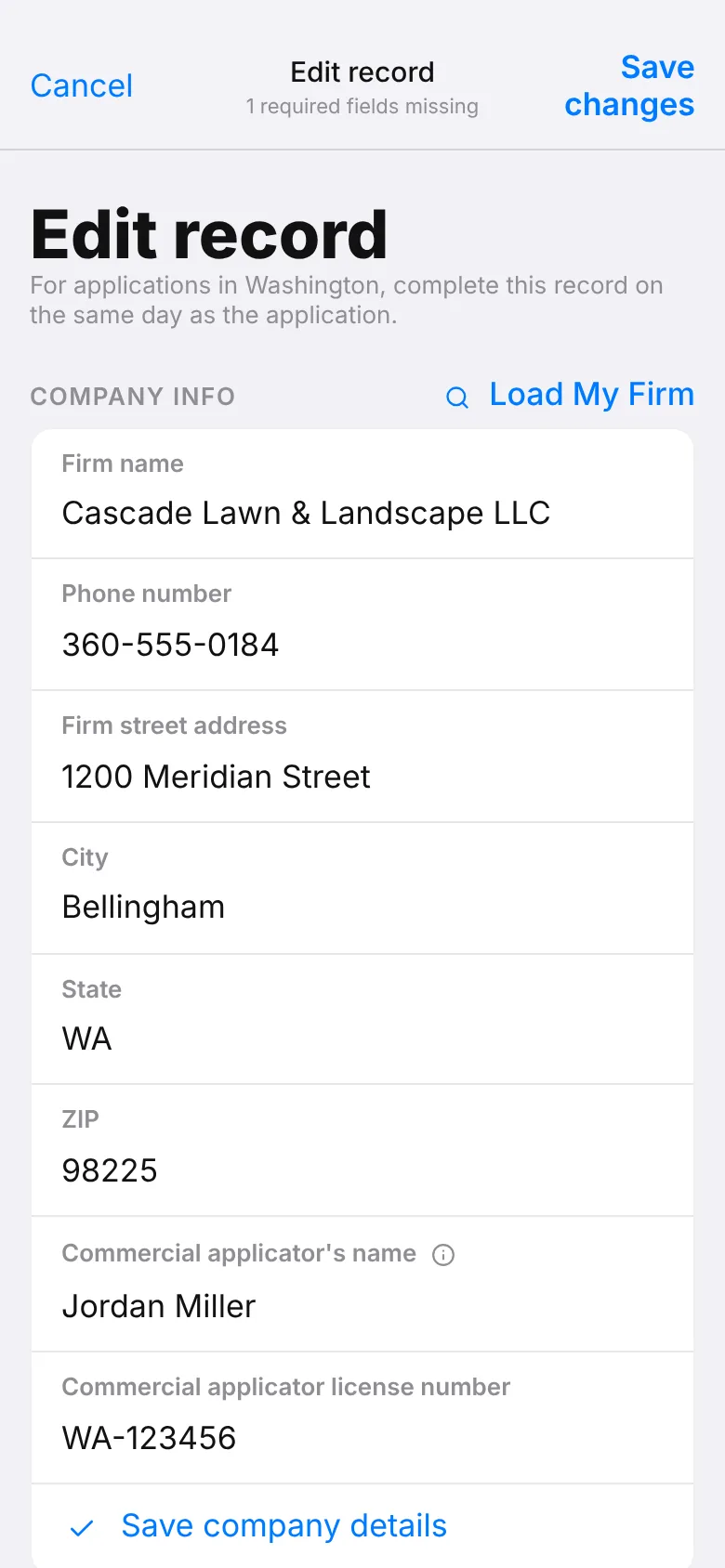
It tells you what’s missing — before the inspector does
Every required field for that state is checked as you type. Anything missing is listed by name and one tap away, and the page preview rebuilds as you fill it in, so you can see the finished record before you leave the site.
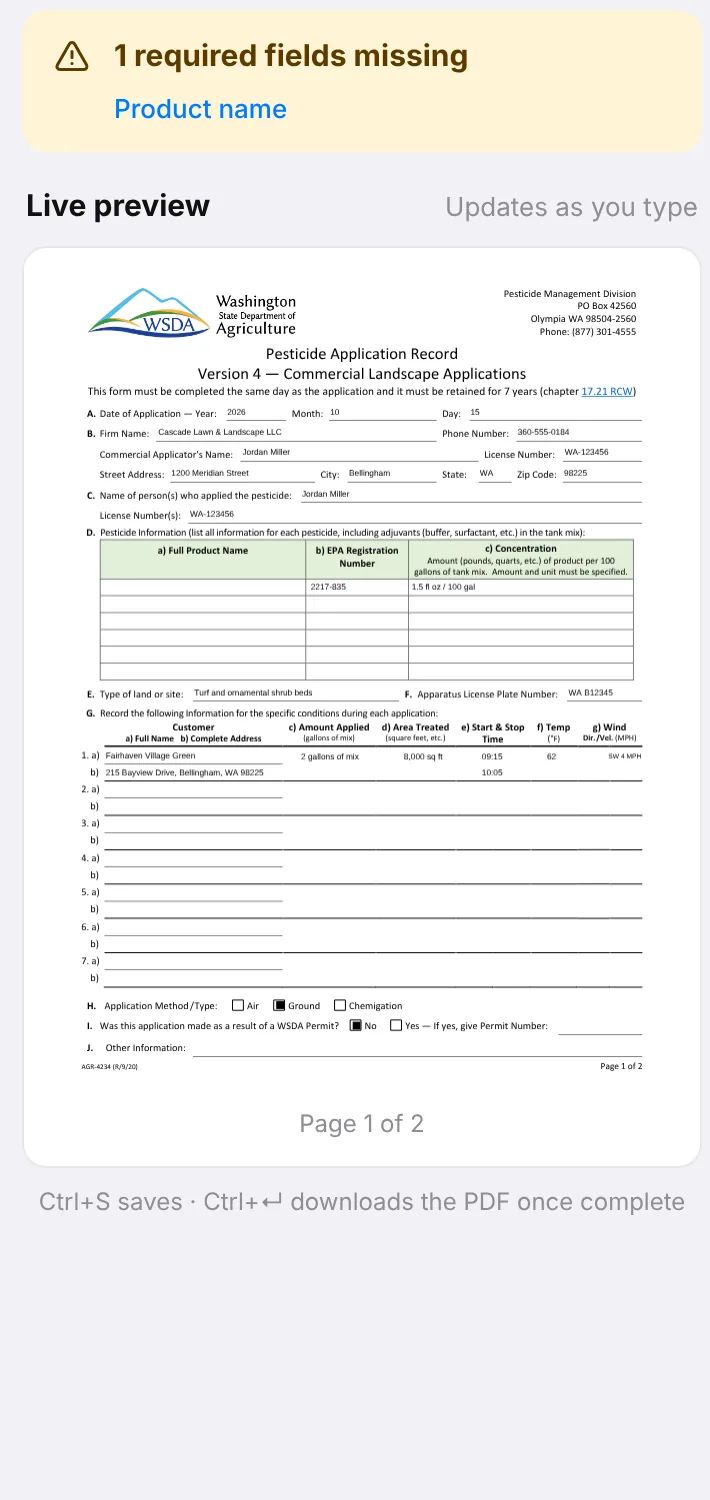
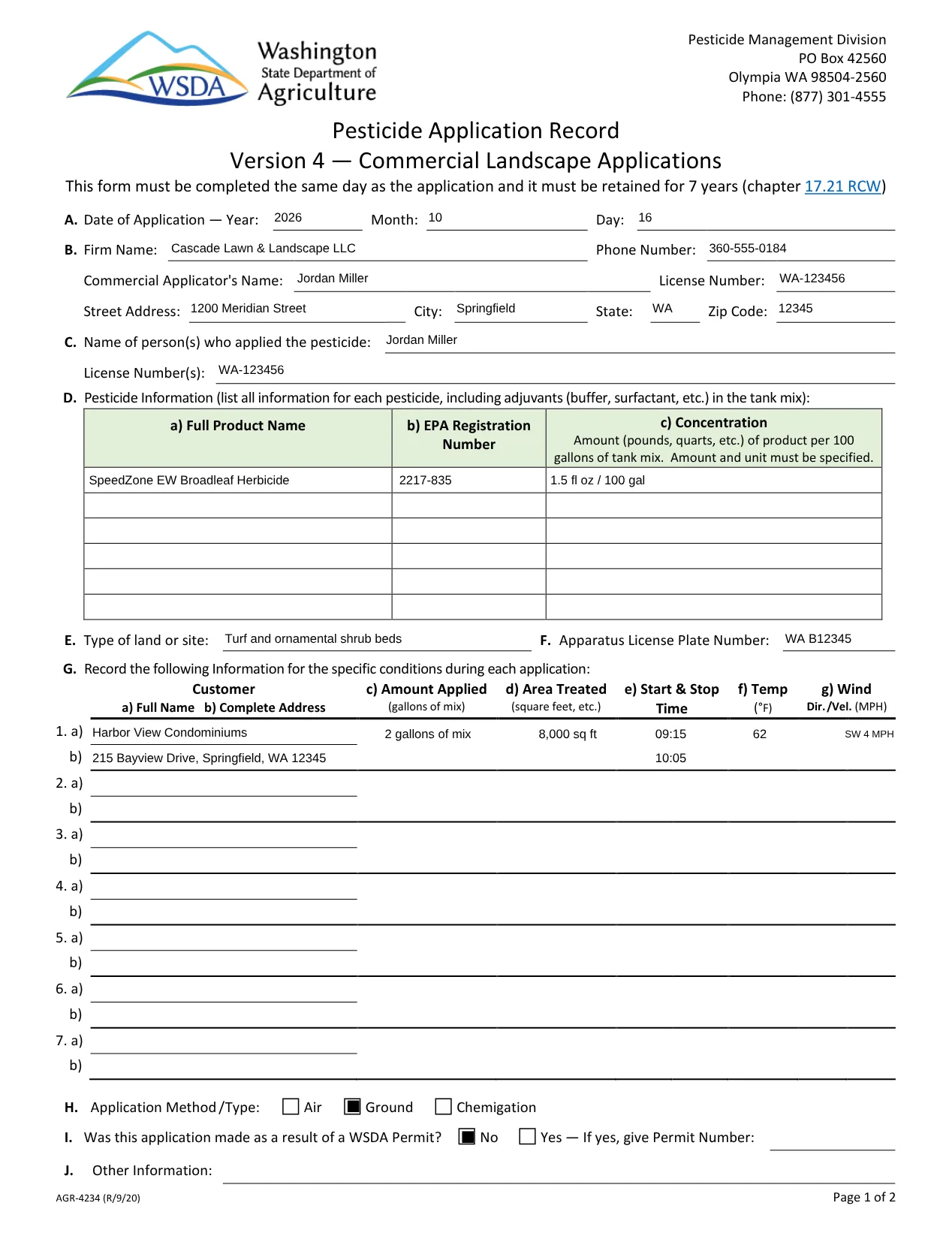
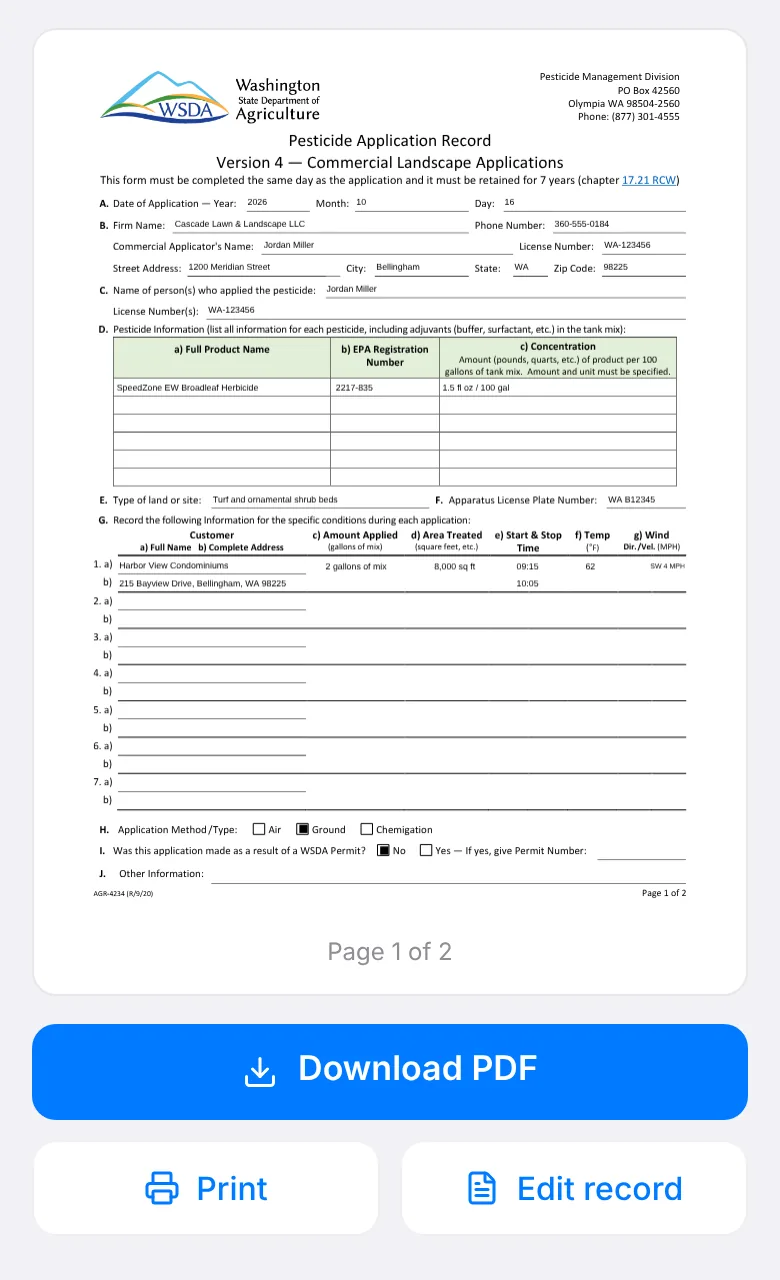
Get the finished PDF
Download it, print it, or share it straight from your phone. It’s the real document — the state’s own form filled in, or SprayDocs’ record for that state, with the retention note and citations on the page.
- Download, print or share
- Free account to download; no card
- Always in English, whatever language you work in
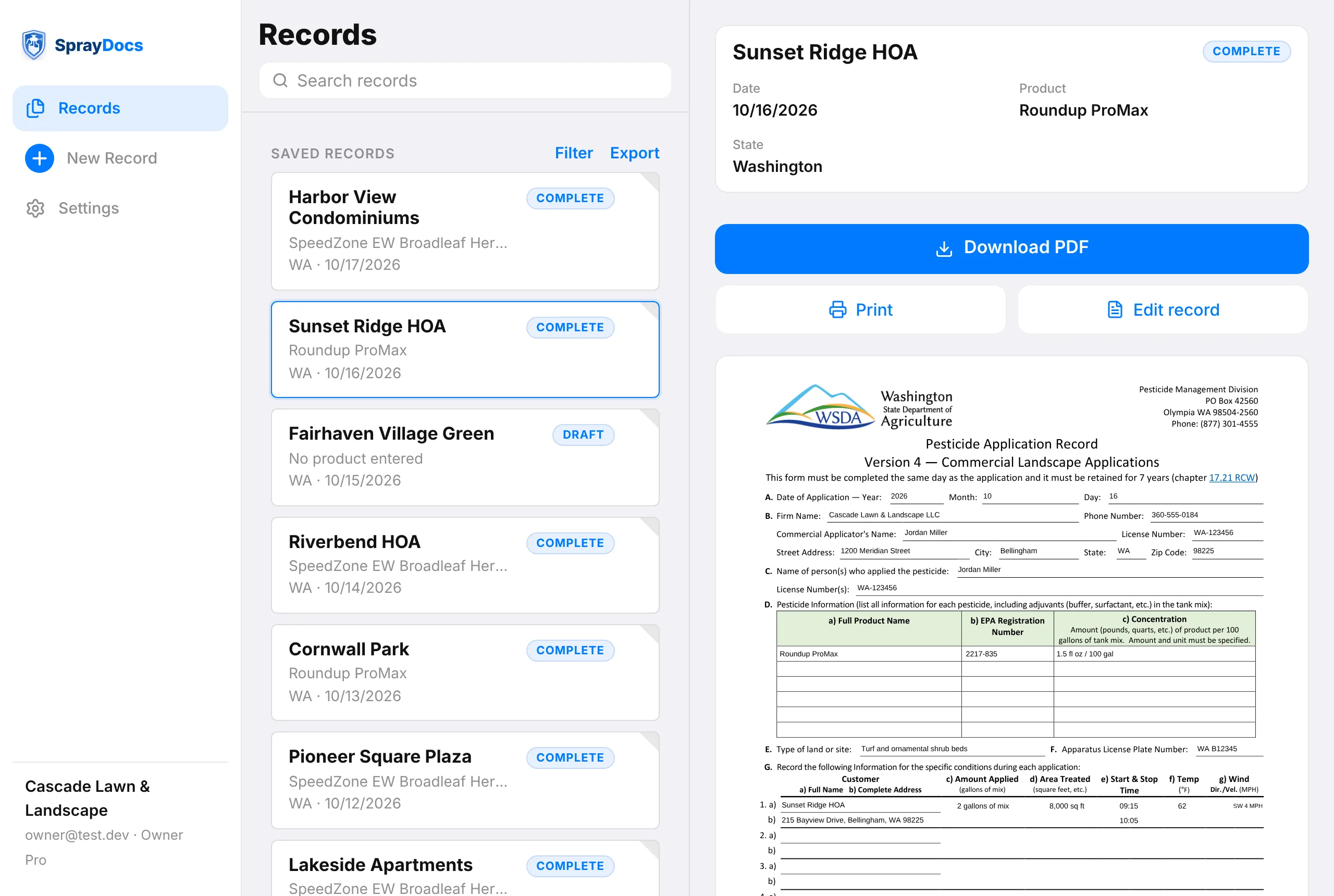
Then the records stay put
Every record you make is saved to your account. On Pro, all of them stay open in SprayDocs for the full 7 years the state wants them kept — yours and your crew’s, in one list, instead of scattered across phones and inboxes.
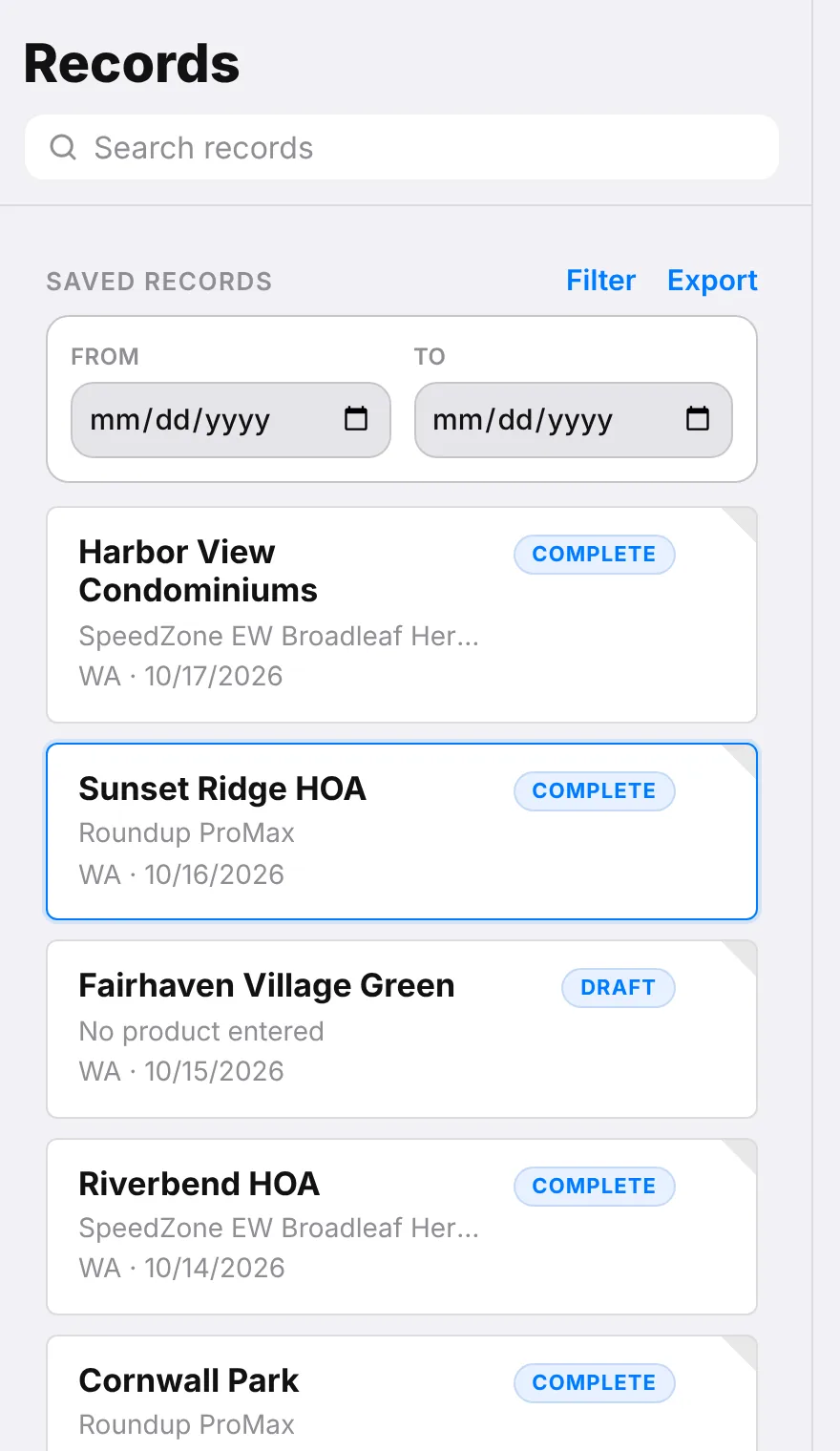
Find it, hand it over
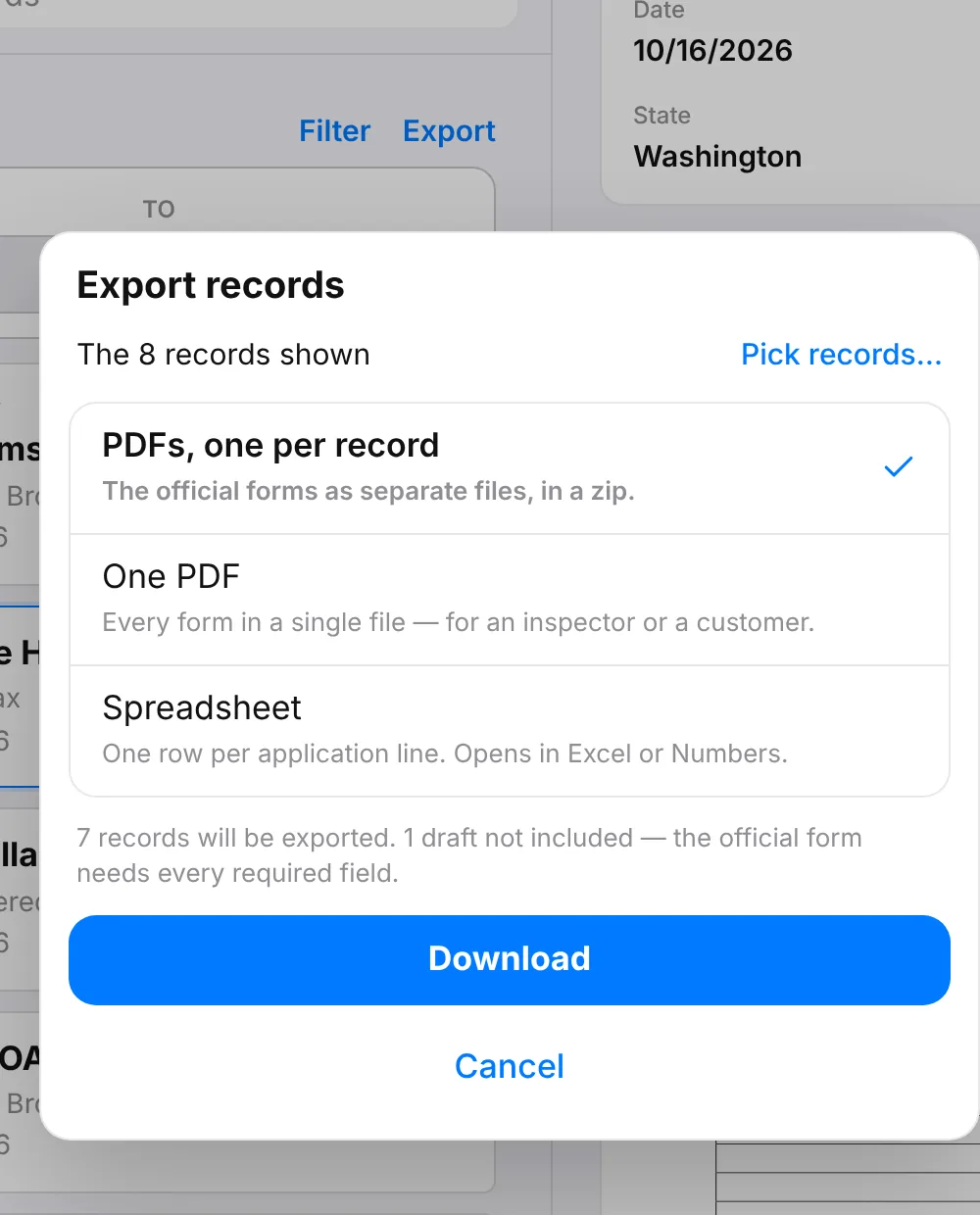
Search by customer, product or applicator, narrow to a date range, then export what the inspector or the customer asked for: separate PDFs, one combined PDF, or a spreadsheet with a row per application line. Part of Pro.
Bring the crew — in English or Spanish
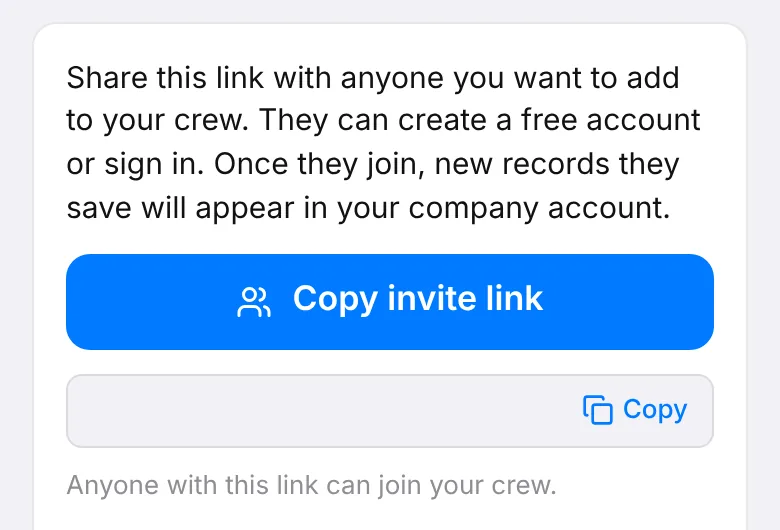
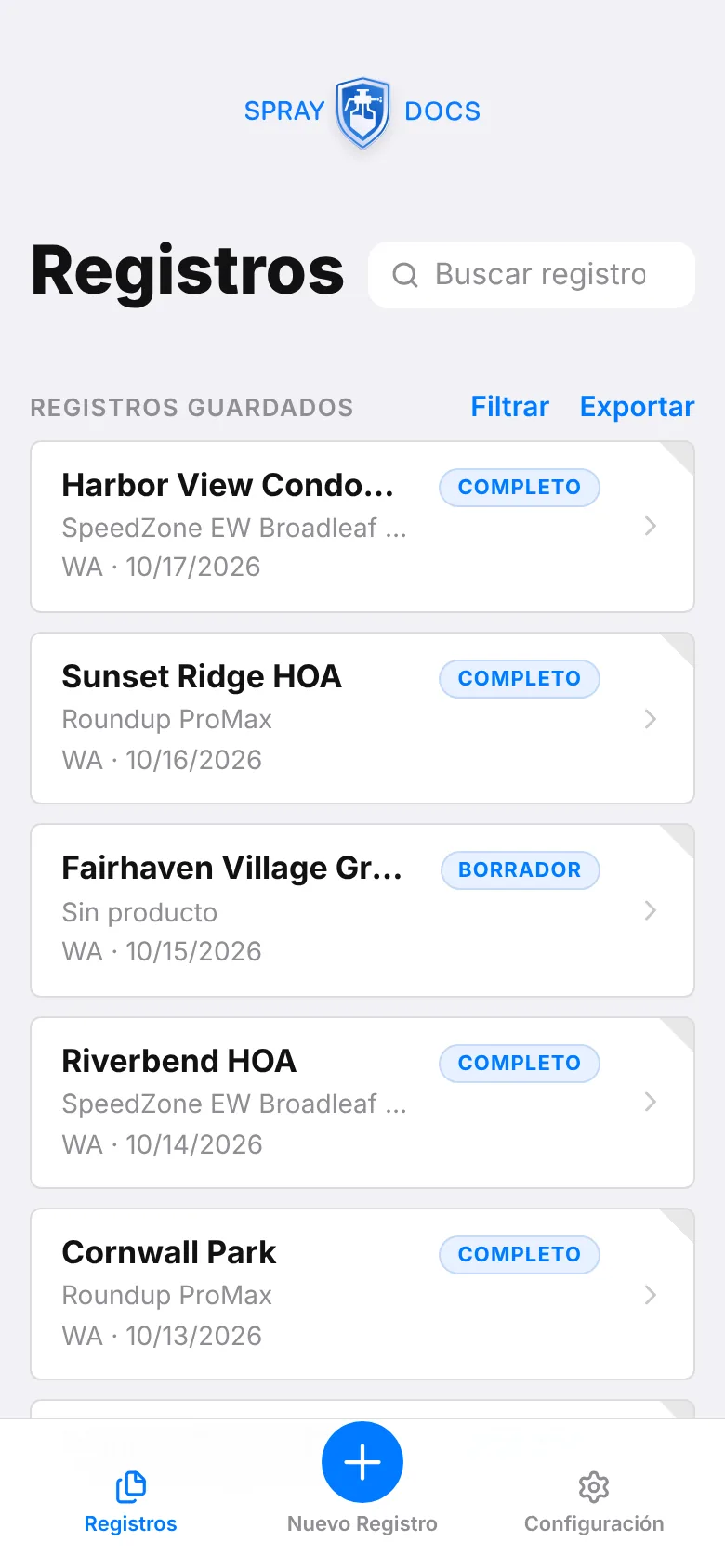
One Pro plan covers unlimited applicators. Send an invite link; whatever they save lands in the company account. Each person uses SprayDocs in the language they’re comfortable with, and the PDFs still print in English.
Works like an app. No app store, no signal needed.
Add it to your Home Screen and it opens like any other app. Once it has loaded, you can fill out records and make PDFs with no bars at all; it catches up when you’re back in range.
Try it on today’s job.
Pick your state and start a record. It’s free, there’s nothing to install, and you’ll have the finished PDF before you leave.